Vibe Coding in 2026: Building Websites with Anthropic Claude and Cursor
Vibe coding is changing how websites get built in 2026. This blog breaks down how developers are using Anthropic's Claude alongside Cursor to write, edit, and ship real websites — just by describing what they want in plain English. A simple, practical look at the workflow, with examples for beginners and experienced coders alike.

Ankul Agarwal
10 min read122

If you've spent any time around developers lately, you've probably heard the phrase "vibe coding" thrown around. It sounds casual, almost like a joke, but it describes something that's genuinely changing how websites and apps get built in 2026. Instead of memorizing every syntax rule or writing each line by hand, developers are now describing what they want in plain English — and watching AI tools turn that description into working code.
Two tools sit at the center of this shift: Anthropic's Claude and Cursor. Claude does the thinking and writing, Cursor gives you the environment to actually use it inside your project. Together, they've made it possible for both experienced developers and complete beginners to build real websites faster than ever before.
Let's break down what vibe coding really means, how these two tools work together, and whether this new way of building is something you should actually trust.
💡 Quick answer: Vibe coding means describing what you want in plain English and letting an AI write the code. Claude is the AI model that understands the request and writes or explains the code; Cursor is the code editor that applies it across your project. It makes building much faster, but you still need coding fundamentals to review, debug and secure what the AI produces.
What Does "Vibe Coding" Actually Mean?
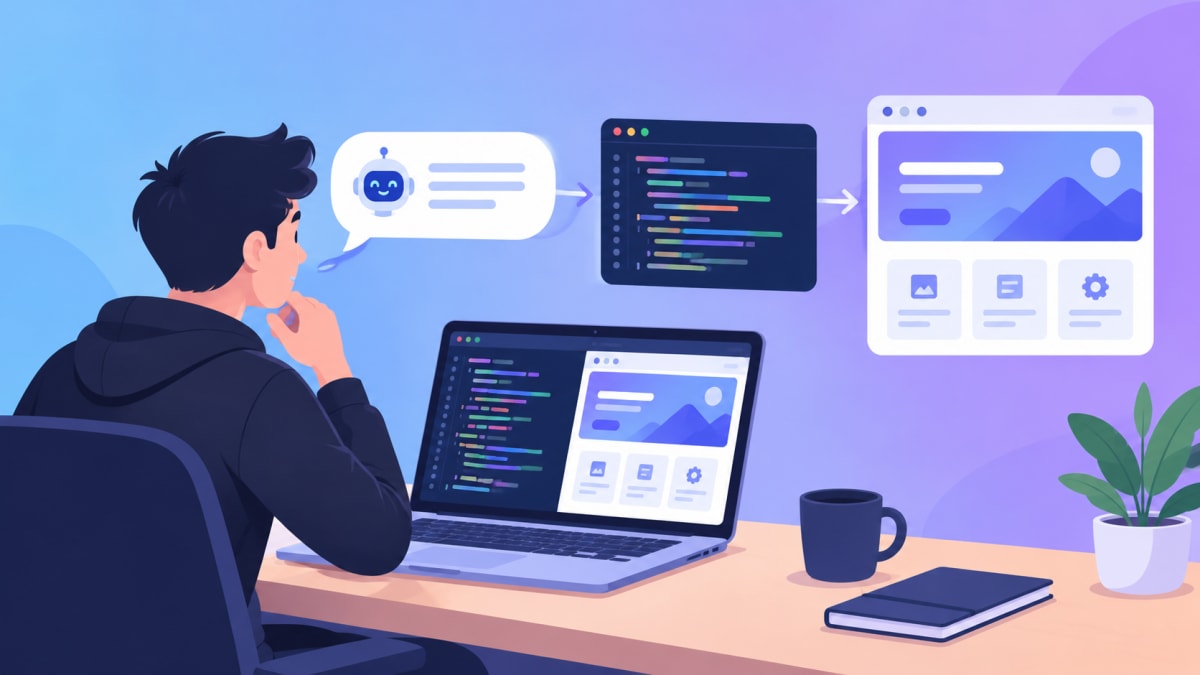
At its core, vibe coding means describing your intent instead of writing every line of code yourself. You tell an AI model what you want — "build me a landing page with a hero section, a pricing table, and a contact form" — and the model generates the code for you. You review it, tweak it, ask for changes, and repeat until it feels right.
It's called "vibe" coding because the process feels more like a conversation than traditional programming. You're not staring at documentation for hours. You're guiding the AI toward the outcome you have in mind, one prompt at a time.
This doesn't mean coding knowledge becomes useless — we'll get to that a little later — but it does mean the barrier to building something functional has dropped significantly.
How Claude Fits Into the Picture
Claude, built by Anthropic, is the "brain" in this workflow. When you're vibe coding, Claude is the model actually interpreting your instructions and generating code, explanations, or fixes.
Here's what Claude is typically used for in web development:
- Generating code from a plain-English description — for example, asking for a responsive navbar with a dropdown menu.
- Explaining existing code — pasting in a confusing function and asking what it does.
- Refactoring and cleaning up code — turning messy logic into something more readable.
- Writing documentation — comments, README files, or API references.
- Answering "why is this broken" questions — describing a bug and getting suggestions on what might be causing it.
You can chat with Claude directly, or access it through tools like Cursor — which is where it stops being a separate conversation and becomes part of an actual coding workflow.
How Cursor Helps Developers Write, Debug, and Improve Code
If Claude is the brain, Cursor is the workshop. Cursor is a code editor built on the same foundation as VS Code, but with AI woven directly into the editing experience instead of sitting in a separate chat window.
Inside Cursor, developers can:
- Ask questions about their entire codebase, not just a single file, because Cursor indexes the project and gives the AI relevant context.
- Generate and edit multiple files at once, instead of copy-pasting code back and forth from a chat window.
- Get inline suggestions as they type, similar to autocomplete but far more context-aware.
- Run agent-style tasks, where the AI works through a multi-step task — like adding a new feature — with less manual guidance.
- Catch bugs early with automated code review tools, before a human even opens the pull request.
The key difference from just chatting with Claude is context. Cursor lets the AI see your actual project structure, your existing code style, and how your files connect — which makes its suggestions far more accurate than a generic answer.
Claude vs. Cursor: Two Different Roles, One Workflow
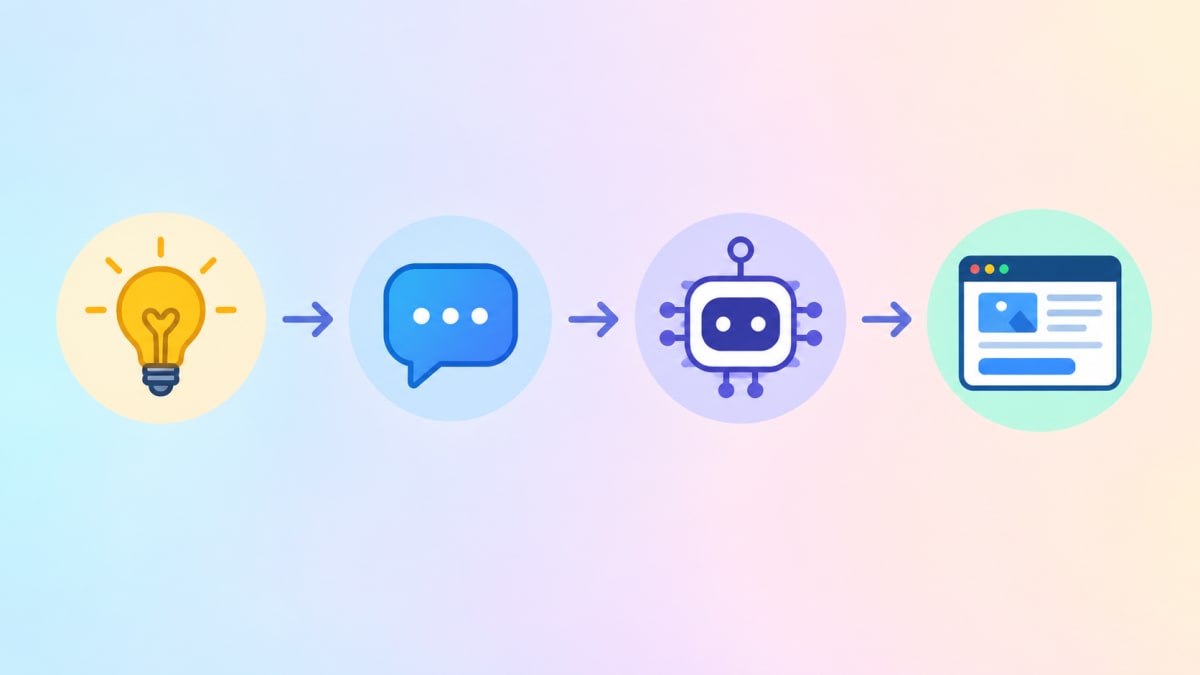
It's easy to confuse these two, so here's a simple way to think about it:
| Claude | Cursor | |
|---|---|---|
| What it is | An AI model | A code editor |
| Main job | Understands instructions and generates/explains code | Provides the environment to apply that code to your project |
| Where you use it | Chat, API, or inside tools like Cursor | On your computer, as your daily coding tool |
| Best for | Reasoning, planning, explaining, writing code | Editing files, navigating a codebase, running agent tasks |
Think of it like a chef and a kitchen. Claude is the chef who knows the recipe and can cook the dish. Cursor is the kitchen — with the right tools and ingredients (your codebase) — that lets the chef actually get the job done efficiently. You need both to get a finished meal on the table.
The Real Advantages of AI-Assisted Web Development
Vibe coding isn't hype for the sake of hype — there are genuine benefits:
- Faster prototyping. A landing page that might take half a day to build by hand can often be drafted in minutes.
- Lower barrier to entry. Beginners can build something functional without knowing every technical detail upfront.
- Less repetitive work. Boilerplate code and common components don't need to be written from scratch every time.
- Faster debugging. Describing a bug in plain English and getting a starting point is often quicker than searching through documentation.
The Limitations You Shouldn't Ignore
At the same time, it's worth being honest about where this approach falls short:
- AI-generated code can be wrong. It may look correct and still contain bugs, security issues, or inefficient logic — it needs to be reviewed, not blindly trusted.
- Context can be misunderstood. If your instructions are vague, the AI might build something close to what you wanted, but not exactly right.
- It's not a replacement for architecture decisions. Choosing the right database, structuring an API, or planning how an app should scale still requires human judgement.
- Over-reliance can slow you down long-term. If you never understand what the generated code actually does, debugging a real production issue later becomes much harder.

Do You Still Need Strong Coding Fundamentals?
Short answer: yes, more than ever.
AI tools like Claude and Cursor are excellent at generating code quickly, but they don't replace the judgement needed to know whether that code is good. Someone with strong fundamentals can:
- Spot a bug in AI-generated code just by reading it.
- Ask better, more specific prompts that lead to better results.
- Know when the AI's suggestion doesn't fit the project's architecture.
- Fix things when the AI gets stuck or produces something that doesn't run.
Without fundamentals, it's easy to end up with a website that "works" on the surface but breaks the moment something unexpected happens — with no clear way to fix it. Vibe coding speeds up the building process; it doesn't remove the need to understand what's being built. If you are starting out, a clear path helps — our MERN stack roadmap shows what to learn and in which order.
A Practical Example: Building a Simple Website with Claude and Cursor
Here's what a real workflow might look like for building a small portfolio website:
- Describe the project. In Cursor's chat, you might write: "Create a single-page portfolio website with a hero section, an about section, a projects grid, and a contact form. Use a clean, minimal design with a dark theme."
- Review the generated structure. Claude generates the HTML/CSS/JS (or React components, depending on your stack), and Cursor applies it directly to your project files.
- Ask for refinements. "Make the projects grid responsive for mobile" or "Add a hover animation to the project cards."
- Debug together. If something breaks — say, the contact form isn't submitting — you describe the issue, and Claude helps trace the problem while Cursor shows exactly where the relevant code lives.
- Polish and deploy. Once the structure and functionality are solid, you handle the final review, testing, and deployment yourself.
This entire process, which might take a solo beginner developer several days from scratch, can often be compressed into a few focused hours — with the developer still making every meaningful decision along the way.
For the full process from idea to a live site — choosing a tool, writing a brief, testing and publishing — read our step-by-step guide to building a website with AI agents. If you would rather start from a finished design, browse our website templates.
Where Vibe Coding Might Take Web Development Next
It's reasonable to expect this trend to keep growing rather than fade out. As AI models get better at understanding context and codebases get easier for them to navigate, the line between "describing" a website and "building" one will likely keep shrinking.
That said, this doesn't point toward developers becoming unnecessary. If anything, it shifts the value of a developer's time — away from repetitive typing and toward decision-making: what to build, how to structure it, and how to make sure it's secure, fast, and maintainable. The tools are changing. The need for people who understand what good code actually looks like isn't going anywhere.

Final Thoughts
Vibe coding, powered by tools like Claude and Cursor, is a genuinely useful shift in how websites get built — not a shortcut that replaces skill, but an accelerator for people who already understand (or are actively learning) what good code looks like. Used well, it can turn a rough idea into a working website faster than ever before. Used carelessly, it can just as easily produce something fragile that nobody fully understands — including the person who "built" it.
The tools will keep improving. The fundamentals will keep mattering. The developers who combine both will be the ones who benefit the most.
Want to build real websites while you learn? You can do a free internship at MetaSkillGroup. It is online, runs for 3 months, and you work on real projects with our team and get a certificate anyone can verify. See the internship.
- #vibe coding
- #claude ai
- #cursor ai
- #ai coding tools
- #web development
- #ai website builder
- #prompt engineering
Related posts
 Git and GitHub for Beginners: A Simple Guide for StudentsLearn Git and GitHub from scratch in simple words. Understand the difference between Git and GitHub, set up Git, make your first commits, push to GitHub, use branches and pull requests, and build a GitHub profile that recruiters like, with a full commands cheat sheet.
 Internship Report Format for BCA and B.Tech Students (With Sample)A complete internship report format for BCA and B.Tech students: the 15 sections in order, the formatting rules most colleges follow, sample text for the declaration, acknowledgement and abstract, a sample weekly work log, a chapter plan and a final checklist before you submit.
 Python Developer Roadmap 2026: From Basics to Django and FastAPIA clear Python developer roadmap for 2026: learn Python basics, OOP, Git, SQL and web APIs, then build real apps with Django or FastAPI. Includes a 6-month study plan, 5 projects to build, common mistakes and a checklist for your first Python internship.
❓ FAQs
Vibe coding is building software by describing what you want in plain English and letting an AI tool write the code. You review the result, ask for changes and repeat, so it feels more like a conversation than typing every line yourself.
Yes, it lowers the barrier to building something that works, and it is a fast way to learn by asking the AI to explain its code. Beginners should still learn the fundamentals alongside it, so they can spot mistakes and fix things when the AI gets stuck.
Claude, made by Anthropic, is an AI model: it understands instructions and writes or explains code. Cursor is a code editor built on VS Code with AI inside it. Claude is the brain; Cursor is the workshop that applies the code to your project.
Inside Cursor you describe a change in its chat; Claude (or another model) writes the code, and Cursor applies it to the right files using the context of your whole project. You review the edits, test them and ask for refinements.
Cursor indexes your whole codebase, so the AI sees your files, style and structure. It can edit several files at once, give inline suggestions as you type and run agent-style tasks, instead of you copying code back and forth from a chat.
You can build simple things without much coding knowledge, but real projects need fundamentals. Knowing how code works lets you write better prompts, catch bugs, judge whether the AI's suggestion fits your project and fix problems in production.
Yes. AI code can look correct and still contain bugs, security issues or slow logic, especially when the instructions are vague. Always review it, test it on real devices and check things like forms, logins and data handling before you publish.
A small site such as a single-page portfolio can often be drafted in a few focused hours instead of several days, with you still making every important decision about design, content, testing and deployment.
It is unlikely. AI tools speed up the typing, but decisions about architecture, security, performance and what to build still need people who understand good code. The value of a developer shifts towards those decisions.
Comments
Join the conversation
Login to post comments and replies
No comments yet. Be the first!