Animated Developer Portfolio — React, Tailwind & Framer Motion
A sleek, fully animated single-page developer portfolio built with React, Vite, Tailwind CSS and Framer Motion. Includes an animated hero with typing effect, custom cursor, smooth scroll-triggered section animations, a skills & experience timeline, project showcase, and a working contact section — fully responsive and easy to re-brand with your own name, photo, and links.
- Published 13 Sept 2026
- 170 views

Overview
Animated Developer Portfolio
A modern, single-page developer portfolio template built with React 19, Vite, Tailwind CSS, and Framer Motion. Designed for developers who want a polished, animated personal site without starting from scratch.
✨ Features
- Animated hero section with a typing-effect intro (react-type-animation)
- Custom animated cursor that follows the mouse
- Smooth scroll-triggered section animations (Framer Motion) throughout
- Sticky navbar with scroll-shadow and animated mobile menu
- Skills grid + work experience timeline section
- Project showcase with alternating layout and external links
- Working contact section (form UI + direct email/phone links)
- Fully responsive — desktop, tablet, and mobile
- Clean, high-contrast black & white design system (Tailwind)
🖥️ Home Section
The hero introduces you with an animated typing effect, your role, location, a short intro, and quick links to your email/socials.

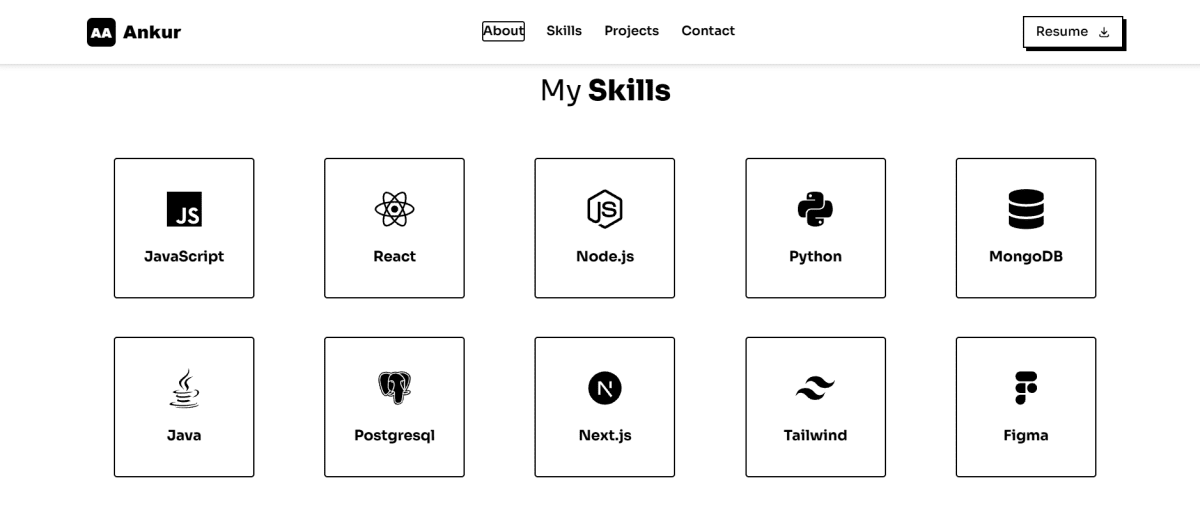
🧩 Skills & Experience Section
A responsive grid of your tech stack icons, followed by a work-experience timeline you can populate with your real roles.
💼 Projects Section
Showcase your projects with a screenshot, title, description, and an external link — alternating left/right layout as you scroll.

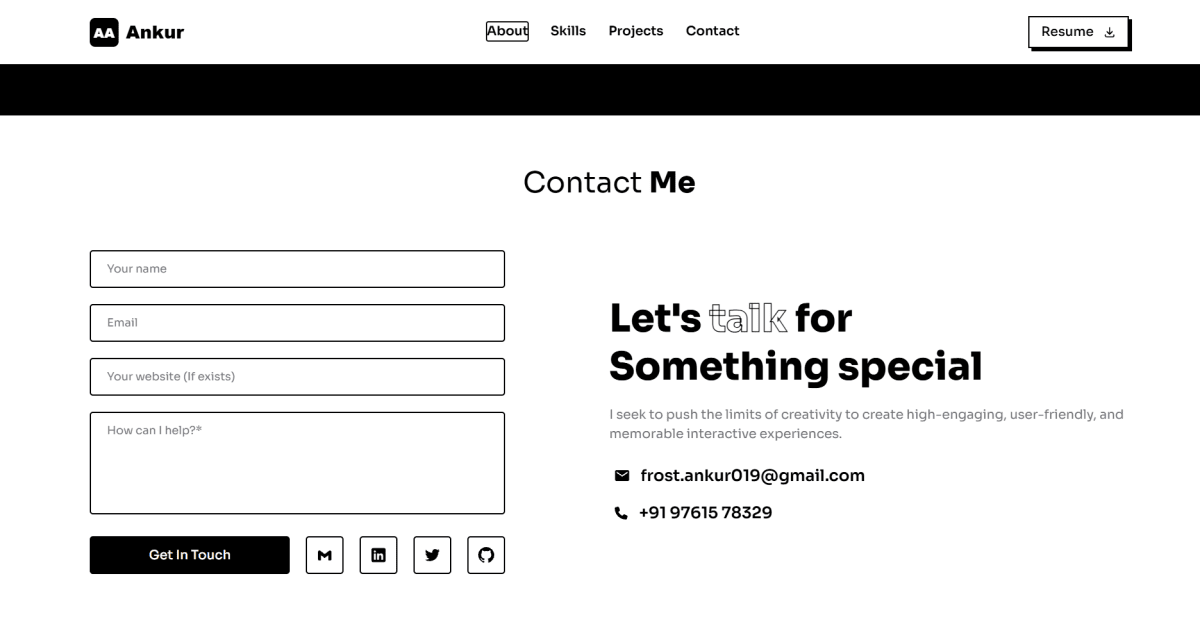
📩 Contact Section
A contact form UI plus direct mailto: / tel: links and social icons, so visitors can reach you instantly.
🛠️ Tech Stack
React 19 · Vite · Tailwind CSS · Framer Motion · React Icons · react-type-animation
📦 What's Included
- Full source code (
src/,public/) - Pre-built section components: Navbar, Home, About, Skills, Projects, Contact, Footer
- Ready-to-edit placeholder content marked with
TODOcomments - README with setup instructions
🚀 Getting Started
- Extract/clone the project
npm installnpm run dev— runs athttp://localhost:5173- Replace the placeholder name, bio, links, logo, projects, and resume with your own
npm run buildto generate a production build
📄 License
Personal use — customize freely for your own portfolio.
Features
Animated typing-effect hero
Custom animated cursor
Scroll-triggered section animations
Responsive mobile navigation
Skills grid + experience timeline
Project showcase section
Working contact section with direct links
Fully responsive layout
Tech Stack
React
v18.0
Tailwind CSS
v3.0
Framer Motion
v12
React Icons
v5
Compatibility

Written by
Ankul Agarwal
Guides from our blog
 Frontend Developer Roadmap 2026: A Step-by-Step Guide for BeginnersA simple, step-by-step frontend developer roadmap for 2026. Learn HTML, CSS, JavaScript, Git, React, TypeScript and Next.js in the right order, with a 6-month study plan, beginner projects, free resources and a checklist for your first frontend internship.
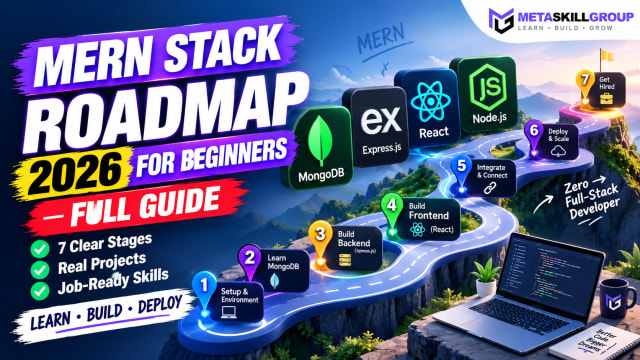 MERN Stack Roadmap for Beginners 2026: A Step-by-Step Guide to Becoming a Full-Stack DeveloperConfused about where to start with MERN? This step-by-step MERN stack roadmap for 2026 takes you from zero to your first full-stack project. Learn JavaScript, Node.js, Express, MongoDB and React in the right order, with a clear timeline, milestone projects, common mistakes and tips to learn faster with AI tools.
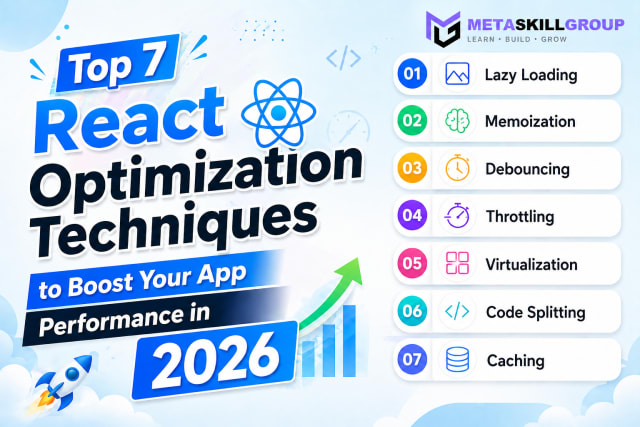 Top 7 React Optimization Techniques to Boost Your App Performance in 2026.Learn the top 7 React optimization techniques including Lazy Loading, Memoization, Debouncing, Throttling, Virtualization, Code Splitting, and Caching to build blazing fast React apps in 2026.
Need it built for you?
Built to the same standard as our client work.
If nothing here fits exactly, tell us what you need — our core developers build it. Requirements call first, a written SRS before any code, and a price agreed up front.