Animated 3D Tech Stack Cube
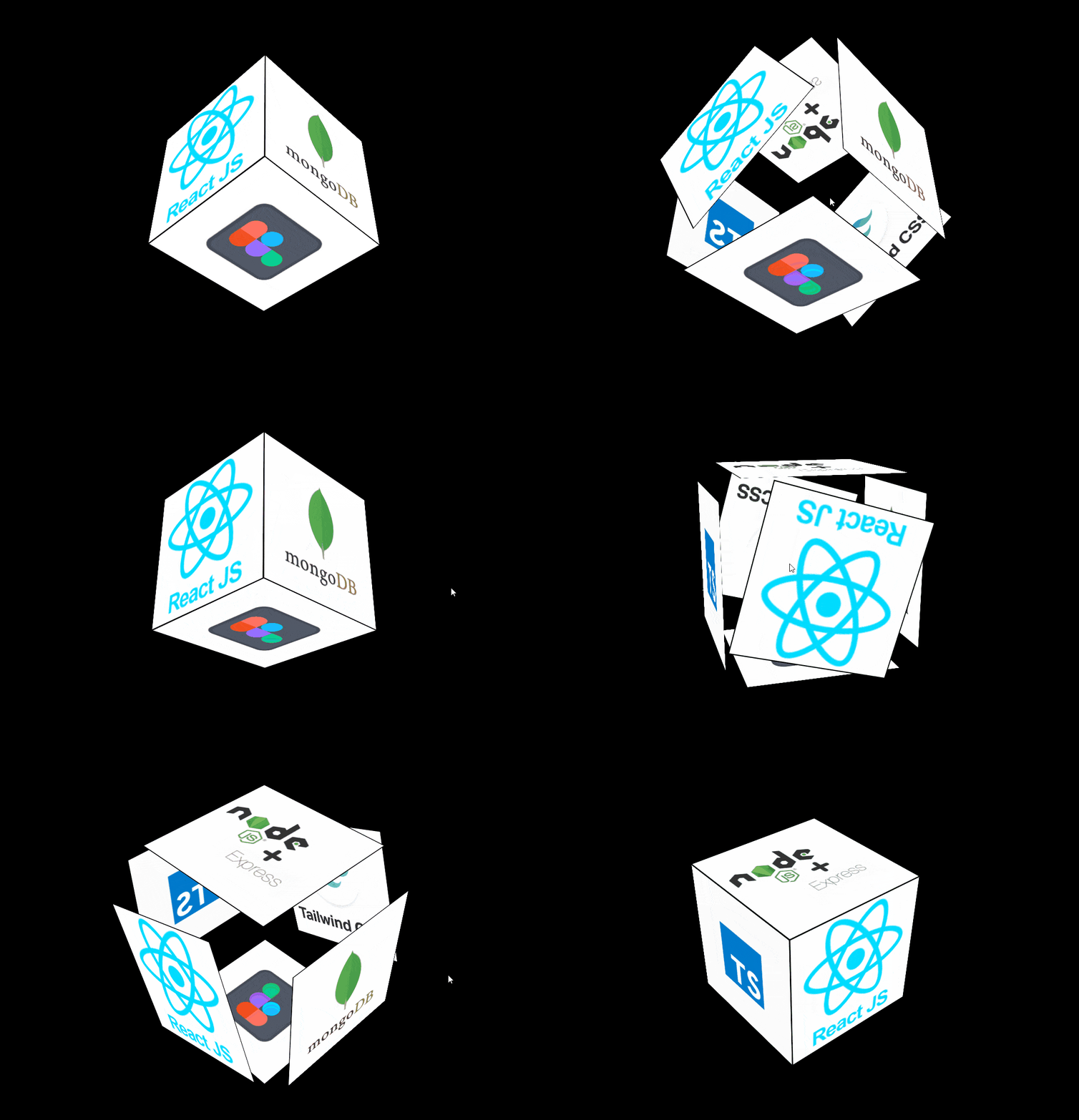
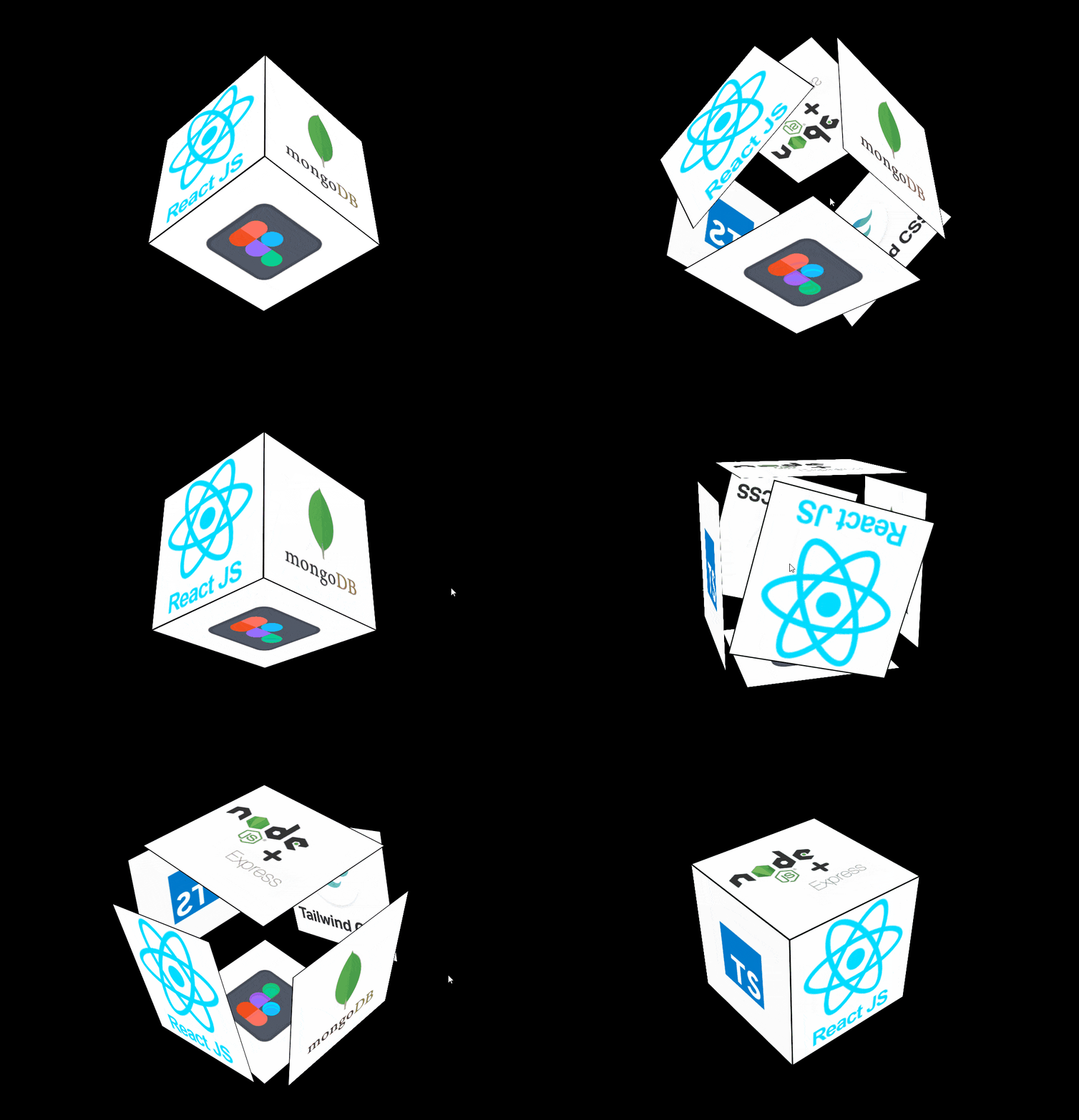
A pure CSS/HTML 3D rotating cube that showcases six tech-stack icons on its faces — continuous infinite rotation animation plus a hover effect where every face expands outward. Zero JavaScript, zero external dependencies, pure CSS 3D transforms.
- Published 26 Aug 2026
- 105 views
Overview
Animated 3D Tech Stack Cube
A pure CSS 3D rotating cube that showcases your tech stack — six faces continuously spin through space on an infinite keyframe animation, each displaying a different technology icon. Hover over the cube and every face gently pushes outward for a subtle depth effect. Zero JavaScript, zero external dependencies.
What's Included
- 3D perspective container (
perspective: 1000px) centered absolutely on the page - Six-faced cube (
front,back,left,right,top,bottom) built withtransform-style: preserve-3d - Continuous infinite
rotateX/rotateYkeyframe animation cycling through 4 angles over 5s - Each face displays a tech icon via
background-image— swap the URLs to show any stack you like - Hover interaction — every face pushes outward (
translateZ/ edge offset) with a smooth1stransition - Fully responsive centering via
top: 50vh; left: 50vw; transform: translate(-50%, -50%) - Pure HTML + CSS — zero JavaScript, zero dependencies
Dependencies
None — this component is pure HTML & CSS with zero external libraries or scripts.
Note: The six face icons are loaded via
background-imageURLs pointing to the public Devicon CDN (React, Tailwind, TypeScript, MongoDB, Node.js, Figma), so the component works out of the box. Swap any URL to change the icon shown on that face.
Desktop Preview
HTML
Copy the full markup into your <body>.
html1<!DOCTYPE html> 2<html lang="en"> 3 <head> 4 <meta charset="UTF-8" /> 5 <meta name="viewport" content="width=device-width, initial-scale=1.0" /> 6 <title>Cube</title> 7 <link rel="stylesheet" href="./style.css" /> 8 </head> 9 <body> 10 <div class="container"> 11 <div class="box"> 12 <div class="card" id="front"></div> 13 <div class="card" id="back"></div> 14 <div class="card" id="left"></div> 15 <div class="card" id="right"></div> 16 <div class="card" id="top"></div> 17 <div class="card" id="bottom"></div> 18 </div> 19 </div> 20 </body> 21</html>
CSS
Paste into your stylesheet. Icon URLs point to public Devicon CDN assets — swap any background-image to change the tech stack shown.
css1* { 2 margin: 0; 3 padding: 0; 4 font-family: sans-serif; 5} 6body { 7 height: 100vh; 8 background: #000000; 9} 10.container { 11 height: 60vh; 12 width: 30vw; 13 position: absolute; 14 top: 50vh; 15 left: 50vw; 16 transform: translate(-50%, -50%); 17 perspective: 1000px; 18} 19.box { 20 height: 250px; 21 width: 250px; 22 position: absolute; 23 top: 100px; 24 left: 100px; 25 /* transform: rotate(-90deg); */ 26 transform-style: preserve-3d; 27 /* transform: rotateY(130deg); */ 28 animation: animate 5s infinite; 29} 30@keyframes animate { 31 0% { 32 transform: rotateX(45deg) rotateY(-45deg); 33 } 34 25% { 35 transform: rotateX(-45deg) rotateY(-45deg); 36 } 37 50% { 38 transform: rotateX(45deg) rotateY(-45deg); 39 } 40 75% { 41 transform: rotateX(-45deg) rotateY(45deg); 42 } 43 100% { 44 transform: rotateX(45deg) rotateY(-45deg); 45 } 46} 47.card { 48 height: 250px; 49 width: 250px; 50 text-align: center; 51 padding: 100px 0; 52 color: white; 53 background-color: black; 54 border: 2px solid black; 55 font-size: 32px; 56 box-sizing: border-box; 57 position: absolute; 58 transition: all 1s; 59} 60#front { 61 transform: translateZ(125px); 62 background-image: url("./react.png"); 63 background-repeat: no-repeat; 64 background-size: cover; 65 background-position: center; 66} 67#back { 68 transform: translateZ(-125px); 69 background-image: url("./tailwind.png "); 70 background-repeat: no-repeat; 71 background-size: cover; 72 background-position: center; 73} 74#left { 75 right: 125px; 76 transform: rotateY(-90deg); 77 background-image: url("./typescript.png"); 78 background-repeat: no-repeat; 79 background-size: cover; 80 background-position: center; 81} 82 83#right { 84 left: 125px; 85 transform: rotateY(90deg); 86 background-image: url("./mongo.png"); 87 background-repeat: no-repeat; 88 background-size: cover; 89 background-position: center; 90 background-color: #ffffff; 91} 92 93#top { 94 bottom: 125px; 95 transform: rotateX(90deg); 96 background-image: url("./node.png"); 97 background-repeat: no-repeat; 98 background-size: contain; 99 background-position: center; 100 background-color: #ffffff; 101} 102 103#bottom { 104 top: 125px; 105 transform: rotateX(-90deg); 106 background-image: url("./figma.png"); 107 background-repeat: no-repeat; 108 background-size: contain; 109 background-position: center; 110 background-color: #ffffff; 111} 112 113.box:hover #front { 114 transform: translateZ(180px) rotate(360deg); 115} 116.box:hover #back { 117 transform: translateZ(-180px) rotate(360deg); 118} 119 120.box:hover #left { 121 right: 180px; 122} 123 124.box:hover #right { 125 left: 180px; 126} 127 128.box:hover #top { 129 bottom: 180px; 130} 131 132.box:hover #bottom { 133 top: 180px; 134} 135
Built by MetaSkillGroup — copy it, use it, make it yours.
Features
Continuous 3D rotation animation
Hover-triggered face expansion
Customizable icon URLs
Zero JavaScript
Pure CSS 3D transforms
Built With
HTML5
CSS3
Compatibility

Written by
MetaSkillGroup
Guides from our blog
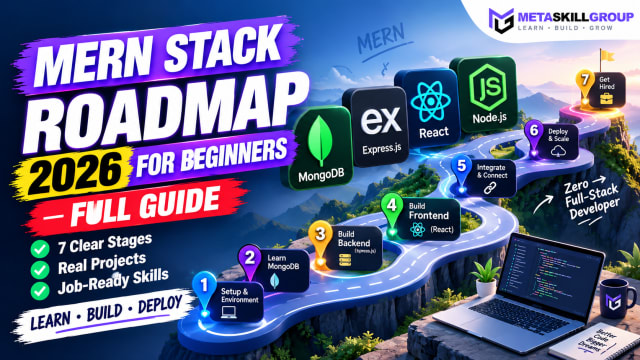 MERN Stack Roadmap for Beginners 2026: A Step-by-Step Guide to Becoming a Full-Stack DeveloperConfused about where to start with MERN? This step-by-step MERN stack roadmap for 2026 takes you from zero to your first full-stack project. Learn JavaScript, Node.js, Express, MongoDB and React in the right order, with a clear timeline, milestone projects, common mistakes and tips to learn faster with AI tools.
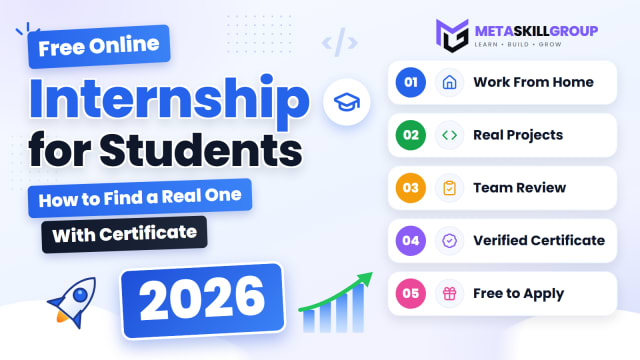 Free Online Internship for Students in 2026: How to Find a Real One (With Certificate)A simple 2026 guide to free online internships for students and freshers in India: what a good internship gives you, where to find one, how to get selected without experience, and how a work-from-home internship with a verifiable certificate works.
 How to Build a Website with AI Agents in 2026: A Step-by-Step GuideLearn how to build a website with AI agents in 2026, step by step. Compare tools like Lovable, v0, Bolt, Replit and Cursor, write prompts that actually work, test AI-generated code, optimize for SEO and publish your site live, even if you only know a little code.
Need it built for you?
Built to the same standard as our client work.
If nothing here fits exactly, tell us what you need — our core developers build it. Requirements call first, a written SRS before any code, and a price agreed up front.